WRITTEN BY

Hiren Mansuriya
Director & CTO
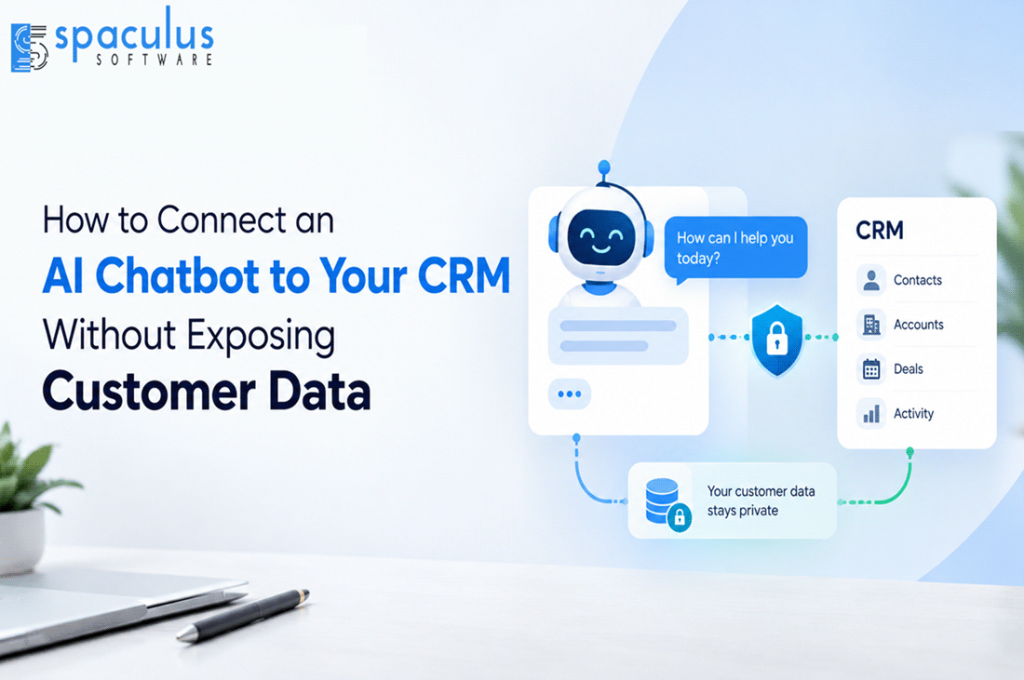
Connecting an AI chatbot to a CRM can turn a basic conversational tool into a useful sales or customer-service assistant. It can identify existing customers, qualify leads, retrieve account information, summarize previous conversations and create follow-up tasks.
The same integration can also expose personal information or modify the wrong record if permissions are poorly designed. A secure implementation must control what the chatbot can read, which actions it can request and when a human must approve a change.
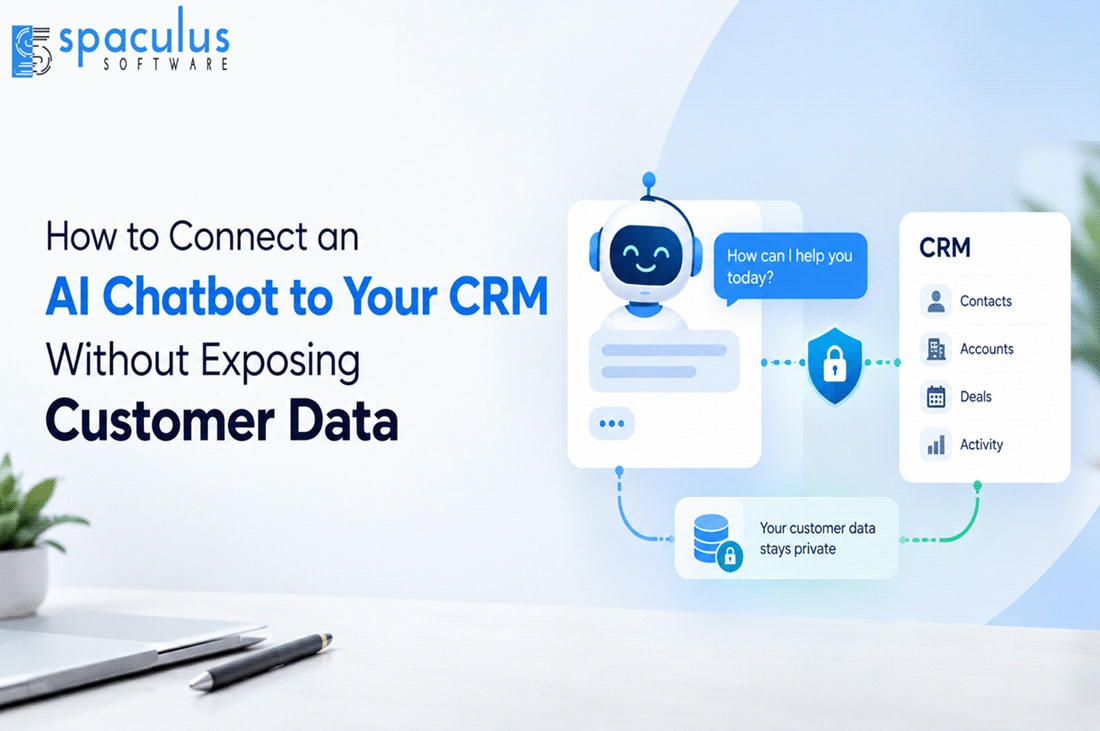
An AI chatbot should connect to a CRM through a controlled API layer—not through unrestricted database access. The integration should verify the user, apply CRM permissions, retrieve only required fields and validate every proposed update.
Begin with read-only functions. Require confirmation before creating or changing records, and keep deletions, financial changes and high-impact actions under human control. Every CRM request should produce an audit record showing the user, action, affected record and result.
AI chatbot CRM integration connects a conversational interface with customer records, leads, deals, activities and support information stored in a CRM.
A non-integrated chatbot can explain a product. An integrated chatbot can determine whether the person is already a customer, retrieve an approved account detail and create a follow-up task for the correct sales representative.
The safest architecture separates conversation from execution:
User → Chatbot → Controlled integration layer → CRM API → CRM
The language model interprets what the user wants. The integration layer verifies identity, checks permissions, validates inputs and sends an approved request to the CRM. The model should not decide independently whether a user is authorized to access or modify a record.
A language model generates probable responses. It is not a reliable authorization system.
If the model receives unrestricted CRM access, a misunderstood request or manipulated prompt could expose customer details, overwrite records or initiate actions the user did not intend.
OWASP describes this risk as excessive agency: an AI system receives more functionality, permissions or autonomy than it needs. OWASP recommends limiting available functions, restricting permissions, executing actions in the user’s context and requiring approval for high-impact operations. OWASP Gen AI Security Project
Authorization should therefore remain in deterministic application logic and the CRM itself. The chatbot may request an action, but the integration layer must decide whether that action is permitted.
A practical way to design CRM chatbot permissions is to classify every action into one of three levels.
The chatbot can perform the action after verifying the user and checking record-level access.
Examples include retrieving a customer’s open support cases or displaying the status of an approved opportunity.
The chatbot prepares the action but must explain it and receive explicit user confirmation before execution.
Examples include creating a lead, changing contact information or scheduling a sales call.
The chatbot can collect information and prepare the request, but an authorized employee must approve it inside the CRM or another controlled system.
Examples include modifying a deal value, changing record ownership or merging duplicate contacts.
This model makes permissions easier to review because every function has a defined level before development begins.
| CRM action | Automation level | Required control | Main risk |
| Search for a contact | Read | Verified identifier and record-level permission | Returning the wrong customer |
| View account status | Read | Return only approved fields | Exposing confidential information |
| Create a new lead | Confirm | Duplicate check and user confirmation | Creating duplicate records |
| Update email or phone number | Confirm | Display the proposed change before saving | Overwriting accurate data |
| Add a conversation summary | Confirm | Label it as AI-generated | Treating an AI interpretation as a customer statement |
| Change deal value or stage | Approve | Sales-manager approval | Corrupting pipeline reporting |
| Merge duplicate contacts | Approve | Employee review of both records | Losing record history |
| Delete a CRM record | Do not automate | CRM administrator only | Permanent data loss |
This matrix should be customized around the company’s CRM roles, data classification and approval policies.
Consider a website visitor who says:
“I spoke with your team last week. Please update my phone number and arrange another call.”
A secure workflow should proceed in the following order.
The chatbot recognizes two separate requests:
Separating the requests prevents one approval from being treated as permission for multiple unrelated actions.
The chatbot asks the user to authenticate through the customer portal, verified email or another approved method.
A matching name alone is not sufficient. CRMs often contain contacts with similar or identical names.
The integration searches for the verified customer and returns only the fields necessary to complete the request.
The language model does not need the customer’s entire record, internal notes, opportunity history or other unrelated personal information.
Before proposing the update, the integration verifies whether the new phone number already belongs to another record or whether an existing update is pending.
The chatbot displays the exact proposed change:
“I found your verified account. I’m ready to replace the phone number ending in 3210 with the number ending in 7842 and request a sales call. Would you like me to continue?”
The integration calls narrow functions such as:
update_verified_contact_phone
create_sales_follow_up
It should not expose a general function such as execute_crm_command.
The system stores the requesting user, timestamp, function, CRM record, previous value, new value and API response.
If the CRM update succeeds but follow-up creation fails, the chatbot must report the partial result rather than claiming everything was completed.
Both platforms provide APIs for accessing CRM records, but their authentication and data models should be reviewed before development.
| Consideration | Salesforce | HubSpot |
| Common CRM records | Leads, contacts, accounts, opportunities and activities | Contacts, companies, deals, tickets and custom objects |
| Authentication | OAuth through an external client application | OAuth for public apps or scoped private-app tokens |
| Permission design | CRM profiles, permission sets and OAuth scopes | App scopes and account/user permissions |
| Suitable integration pattern | Enterprise workflows with granular CRM controls | Sales, marketing, service and automation workflows |
| Important implementation concern | Avoid broad “Full Access” scopes | Separate applications by integration purpose and scope |
Salesforce’s REST API provides programmatic access to CRM data, while its current guidance recommends external client applications and OAuth 2.0 for API authorization. Salesforce also recommends restricting OAuth scopes to minimize exposure if credentials are compromised.
HubSpot’s CRM APIs support contacts, companies, deals, tickets and custom objects. HubSpot uses scopes to determine whether an application can read or write specific CRM objects.
The correct platform configuration depends on whether the chatbot serves one company, multiple customers or users with different CRM permissions.
A chatbot may create a new lead whenever it cannot find an exact email match. Before creating a record, search approved identifiers and define what happens when several possible matches appear.
A user may know another person’s name, order number or company. Require stronger verification before returning account-specific information.
The chatbot may generate a confident confirmation even when the CRM API times out. The user-facing response must be based on the verified API result, not the model’s expectation.
OAuth tokens may expire, be revoked or carry broader access than required. Store credentials securely, rotate them and monitor failed authorization requests.
A company may have several contacts, duplicate accounts or conflicting ownership rules. Do not ask the model to guess which record is correct. Escalate ambiguity to an employee.
Testing should cover both conversational quality and CRM transaction accuracy.
Use realistic cases involving incomplete names, duplicate contacts, expired sessions, ambiguous requests, unauthorized users, CRM downtime and partial API failures.
Track these measures:
A chatbot is not reliable merely because it provides a natural response. It must retrieve and update the correct record under the correct user’s authority.
Cost depends on the number of workflows, CRM platform, authentication method, data sensitivity and approval requirements.
A read-only lead lookup is simpler than an assistant that updates contacts, creates opportunities, schedules meetings and works across several CRM environments.
Other cost factors include custom CRM objects, legacy middleware, duplicate-record handling, audit requirements, monitoring, testing and post-launch support.
Request an estimate that separates discovery, integration development, AI behavior, security, testing, deployment and ongoing maintenance. A low quote may cover the chatbot interface while excluding the operational controls required for production use.
CRM integration requires more than connecting an API. The complete solution must combine conversational AI, backend engineering, identity controls, data validation, monitoring and reliable failure handling.
Spaculus helps businesses design chatbots that work with existing sales and customer-service systems while maintaining controlled permissions and human oversight. Working with an experienced AI chatbot development company can help you move from a demonstration to a production workflow that protects customer data.
Organizations using chatbots for sales can also explore how AI-powered lead-generation chatbots collect and qualify prospect information.
Before connecting an AI chatbot to your CRM, confirm that:
This checklist adds practical value, improves information gain, and gives readers something they can use during implementation.
Yes. It can update approved fields through a controlled API function. The user should verify their identity and confirm the proposed change before execution.
Only when the workflow requires it. Begin with read-only access and add narrowly scoped write functions after testing permissions, confirmations and audit logging.
Yes. Both platforms provide CRM APIs and authorization controls. The architecture should reflect each platform’s scopes, objects, authentication and account permissions.
Verify the user, enforce record-level permissions, return only required fields and keep authorization logic outside the language model.
The chatbot should report that the action was not completed, preserve the request for retry or human review and avoid presenting an unverified success message.
Generally, no. Record deletion and other irreversible actions should remain restricted to authorized CRM administrators.
AI Chatbot DevelopmentHiren, a visionary CTO, drives innovation, delivering 300+ successful web/mobile apps. Leading a 70+ tech team, Hiren excels in DevOps, cloud solutions, and more. With a top-performing IT Engineering background, Hiren ensures on-time, cost-effective projects, transforming businesses with strategic expertise.